Website monitoring
Website Change Monitoring
Learn how website change monitoring works, which page types matter, and how to reduce noise while preserving useful evidence.
Website change monitoring checks pages over time and notifies you when their content, structure, or appearance changes. It is useful for competitor research, pricing alerts, compliance, SEO protection, product intelligence, and any workflow where a public page can change before your team notices.
Choosing website change monitoring
Website change monitoring should be designed around consequence, volatility, and the page evidence a reviewer needs.
How website change monitoring works
A monitor stores a representation of a page, waits for the next check, captures the page again, and compares the two versions. The representation might be a screenshot, visible text, selected DOM region, API response, or structured extraction. The best method depends on the question.
Screenshot comparison is good for layout and visual regressions. Text or DOM comparison is better for pricing, policies, and product claims. A browser-based capture is necessary when content appears only after JavaScript runs. A page-wide diff is simple to start with but often creates noise from timestamps, banners, carousels, and navigation.
| Monitoring mode | Strongest use | Common risk |
|---|---|---|
| Visual | Design and layout | Cosmetic noise |
| Text | Copy, prices and policies | Dynamic text |
| DOM region | Specific plan or element | Selector breaks |
| Browser steps | Login or interaction flows | More setup |
| API or JSON | Structured values | Incomplete public context |
What pages are worth monitoring
Choose pages according to consequence. For competitor intelligence, begin with the homepage, pricing page, core product pages, comparison pages, integration directories, customer stories, changelogs, and new content hubs. For SEO, include important templates, title and metadata surfaces, and pages where accidental edits could change rankings.
Avoid monitoring a whole domain indiscriminately on day one. A large watchlist creates more review work and makes it harder to learn which signals matter. Start with a stable core, then add discovered pages when they reveal a decision-relevant pattern.
How to reduce false positives
Noise reduction is not the same as deleting evidence. Keep the raw snapshot available, but exclude known volatile text from notification logic when it does not answer the user’s question. Common examples include rotating hero copy, “updated today” labels, cookie banners, stock counters, and repeated navigation.
Use a rendered sample rather than a single instant when content rotates or animates in place. Compare stable content across samples and retain the canonical page URL. If a page suddenly collapses to a thin render, preserve the richer prior snapshot until a later check confirms the removal.
Define meaningful change by page type
A universal percentage threshold is a poor substitute for context. On a pricing page, a small change to a plan limit can matter more than a large layout rewrite. On a blog hub, an entry inserted ahead of the known latest item is stronger evidence than an old post appearing deeper in the list. On a legal page, a single clause can be consequential.
| Page type | High-signal changes | Often low-signal |
|---|---|---|
| Pricing | Plan, price, limit, billing unit | Toggle styling |
| Product | Capability, audience, proof | Layout spacing |
| Changelog | New top entry | Backfilled history |
| Blog hub | New frontier item | Reordered old entries |
| Legal | Terms or policy language | Footer timestamp |
Review and route the signal
A monitoring system should end with an owner and a next action. Use immediate alerts for changes that can affect an active deal or launch. Send lower-urgency changes to a digest. Archive evidence that is useful for history but not urgent.
The notification should be concise: name the source, describe the observed change, link to evidence, and state why it may deserve review without presenting an unverified motive as fact. This format keeps monitoring connected to decisions.
Website change monitoring for Ryvalise users
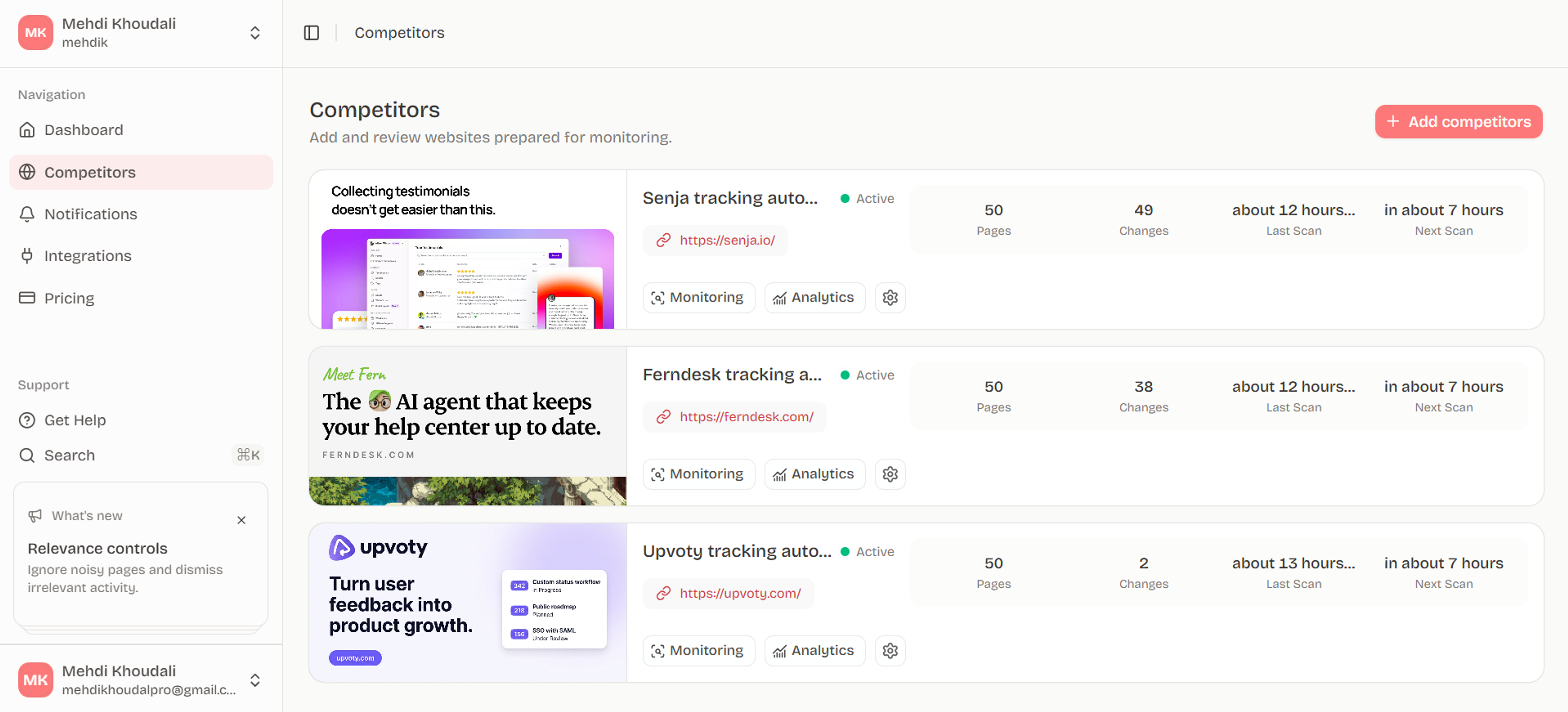
Ryvalise applies the same logic to competitor websites. It follows same-origin links within a bounded crawl, classifies pages, preserves manually selected pages, prioritizes high-signal sections, and stores source evidence separately from AI analysis. That helps a team monitor a competitor domain without treating every URL or animated component as a strategic event.
Build a page-priority model
Score candidate pages using consequence, change likelihood, and decision relevance. Pricing and product pages may be high consequence even when they change infrequently. A busy blog may change often but belong in a digest until new entries repeatedly influence the team.
Review the page model after the first month. Promote sources that reveal useful signals, lower sources that create repeated noise, and keep manually selected pages fixed when a team member has a clear reason for them. The best automated system still needs a human override.
Document the limits
State what the monitor cannot observe: private pages, content hidden behind an account, unrendered interactions, unavailable history, or unknown billing details. Clear limits protect the credibility of every signal the system does surface.
Frequently asked questions
What is website change monitoring?
It is the recurring capture and comparison of a webpage or web response so a person or system can detect meaningful updates. Alerts may be based on pixels, text, DOM regions, API fields, or extracted entities.
Can I monitor a website for free?
Many tools offer limited free plans, browser extensions, or self-hosted options. Free limits often apply to the number of pages, check frequency, history, or notification channels, so test the workflow against the pages you actually need.
How often should a website be checked?
Check frequency should follow the consequence and expected volatility of the page. A live pricing page may justify frequent checks, while a stable company page may fit a daily or weekly cadence.
What is the best way to monitor a pricing page?
Monitor the rendered plan cards, feature matrix, limits, billing terms, and purchase path. Use text or DOM comparison for meaning, retain screenshots for context, and filter rotating or promotional elements that are not part of the offer.
Do change-monitoring tools detect new pages?
Some tools monitor a supplied URL list; others can discover links, sitemaps, or new pages. If new-page discovery matters, confirm that it is supported and that collection links are handled without turning every editorial entry into a notification.
Put the research into motion
Monitor the web pages that matter to your business and review meaningful changes with context instead of raw diff noise.
Start with Ryvalise