Pricing research
How to build a pricing comparison that does not mislead buyers
A transparent structure for comparing SaaS offers with different billing units, plan boundaries, currencies, discounts, and unknowns.
A pricing comparison earns trust by showing its assumptions. The table should help a buyer understand tradeoffs, not manufacture a universal winner from incompatible units and incomplete public information.
Define a comparable scenario
Choose the customer profile, number of users, expected usage, required features, billing interval, currency, and support needs. Make these assumptions visible above the table. Without them, “starting price” can be technically correct and practically irrelevant.
Record whether the amount is public, calculated, estimated, or unknown. If an enterprise price requires a sales conversation, link to the qualification path instead of inventing a number.
| Assumption | Example | Why it belongs |
|---|---|---|
| Users | 25 seats | Seat price is not enough |
| Usage | 100,000 events/month | Metered plans vary |
| Billing | Annual, before tax | Changes total commitment |
| Features | SSO and audit logs | Plan gates affect fit |
Show tradeoffs beside totals
A total without the included limits is a misleading summary. Put the important constraints beside the price: seats, usage, data retention, support, integrations, or minimum terms. Buyers need to know what the number buys and what it excludes.
Use a separate note for qualitative differences such as implementation effort, documentation, or sales involvement. Do not turn an unverified qualitative impression into a numeric score.
Date and update the comparison
Pricing is perishable content. Display the checked date, link to every source, and keep a change log. Google’s SEO Starter Guide recommends keeping useful content up to date; for pricing, freshness is part of factual accuracy, not just a ranking tactic.
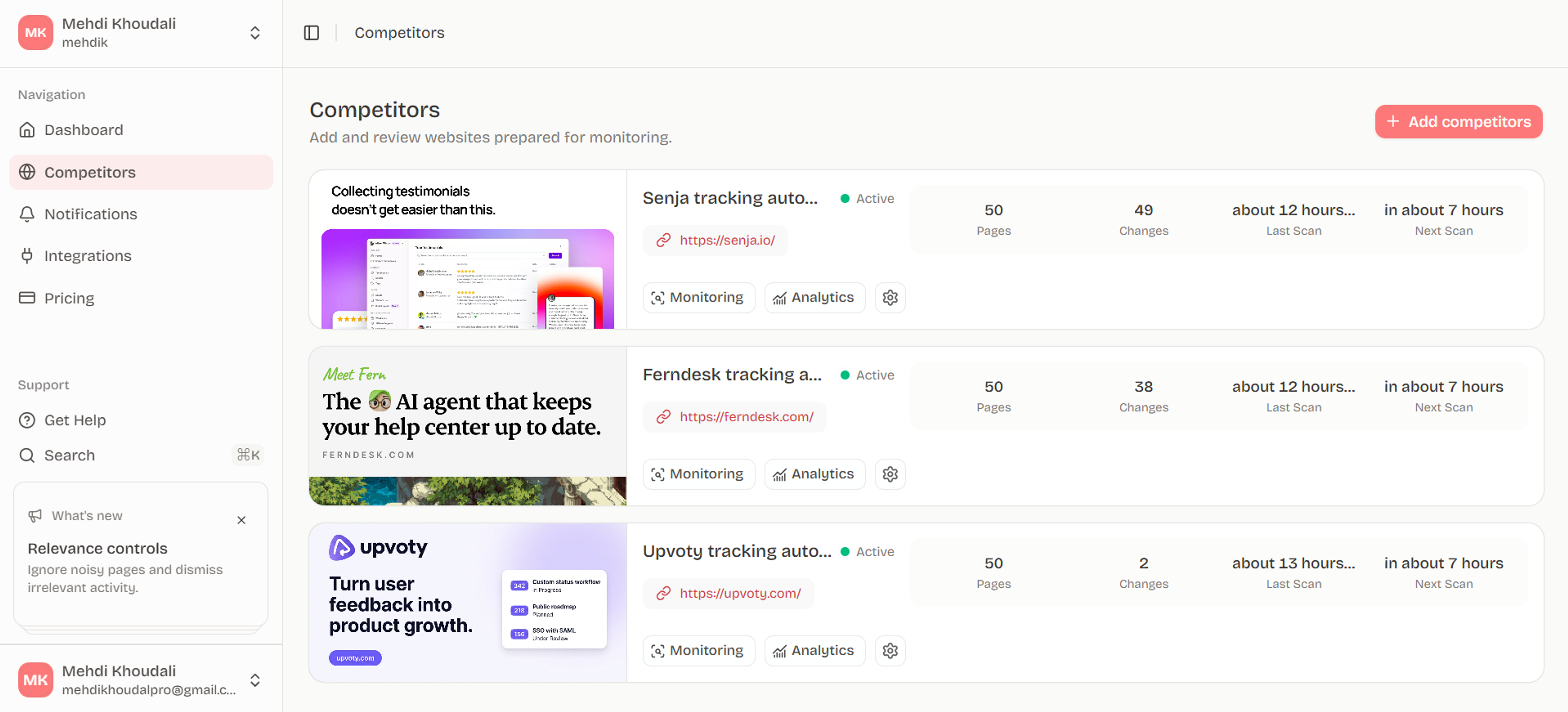
The competitor pricing monitor can provide the source history used to update the public comparison.
Design a defensible comparison schema
For plans, scenarios, and commercial assumptions, create a row per plan and a separate row for usage or sales-assisted terms. Store the price amount, currency, billing interval, billing unit, included quantity, overage rule, contract requirement, feature gates, support level, and CTA. A blank value means unknown, not zero or unlimited. Stripe's billing documentation (https://docs.stripe.com/billing/subscriptions/usage-based) offers vocabulary for meters, tiers, and recurring subscriptions that helps keep the schema explicit even when a competitor uses different terminology.
Compare scenarios only after the fields are normalized. For example, a five-seat monthly scenario and a usage-based annual scenario should not be collapsed into one "starting price" column. Preserve the competitor's displayed wording, calculate derived values in a separate field, and show assumptions beside every calculation. This makes changes auditable when a plan boundary moves without a headline price change. See pricing-intelligence-compare-saas-plans for the comparison method.
- Keep source amount and derived scenario cost in different fields.
- Never infer an enterprise minimum, overage, or discount from silence.
- Recheck currency, locale, billing toggle, and sales qualification path.
| Pricing field | Normalized value | Common trap |
|---|---|---|
| Unit | seat, workspace, usage, contract | Comparing unlike units |
| Commitment | monthly, annual, minimum term | Treating annual as monthly |
| Limit | included quantity and overage | Calling missing data unlimited |
| Access | self-serve or sales-assisted | Ignoring qualification |
Calculate scenarios with explicit formulas
Choose a scenario that reflects a real buyer and show the formula in plain language: base fee plus seats, usage tiers, required add-ons, and any stated minimum term. Keep currency conversion, annualization, discounts, taxes, and implementation outside the source-price field. If a required input is missing, stop the calculation or label the result partial rather than substituting a plausible value.
Use tables that let a reader audit the comparison. Include source URL, page region, checked date, locale, billing toggle, input assumptions, and unknowns. Google's guidance on crawlable links (https://developers.google.com/search/docs/crawling-indexing/links-crawlable) supports descriptive source trails; a comparison without those links will become unmaintainable as soon as a page changes.
- Show formula and inputs beside every derived amount.
- Keep currencies and billing intervals explicit.
- Use unknown instead of estimated when the source is silent.
| Calculation part | Example record | Status |
|---|---|---|
| Base | monthly workspace fee | published |
| Expansion | additional seats or usage | published or unknown |
| Add-on | required analytics module | published or unknown |
| Assumption | annual billing, five users | scenario input |
Refresh and version the comparison
Turn a completed scenario comparison into a repeatable workflow with four states: discovered, confirmed, interpreted, and routed. Discovery can come from a link or a page change; confirmation requires a second observation, a corroborating page, or a clearly published event; interpretation records a bounded hypothesis; routing assigns an owner, review date, and urgency. This prevents an interesting edit from becoming an unsupported strategic claim.
Run the workflow on a fixed cadence and review its failure modes. A transient 429, partial render, locale mismatch, redirect, or deleted page should produce an operational result, not a business alert. Google SRE's monitoring and alerting guidance (https://sre.google/sre-book/monitoring-distributed-systems/, https://sre.google/sre-book/practical-alerting/) supports separating collection health from human notification. Use how-to-monitor-competitor-pricing-and-packaging as the internal reference for the broader monitoring loop.
- Confirm the page identity and observation timestamp.
- Separate observed change, possible meaning, confidence, and action.
- Route only changes that map to a decision or explicit watch question.
| State | Required evidence | Output |
|---|---|---|
| Discovered | URL or diff candidate | Queue item |
| Confirmed | repeat or corroboration | Observed change |
| Interpreted | hypothesis plus caveat | Research note |
| Routed | owner and urgency | Alert, brief, or archive |